Seedance 1.5 Pro — AI Video with Native Audio
Create videos from text prompts or reference images with ByteDance's Seedance 1.5 Pro. Choose 480p, 720p, or 1080p, generate 4s, 8s, or 12s clips, and turn on native audio when the scene needs sound.
Text or image in. Video out.
Write a prompt from scratch or upload a reference image to steer the shot. Seedance 1.5 Pro supports both text-to-video and image-to-video, so you can start from an idea or from an existing visual.
Start from words, images, or both.
4s, 8s, or 12s clips with optional audio.
Pick the clip length that fits the scene, then enable native audio when dialogue, sound effects, or ambience matter. Audio costs more credits, so you can keep drafts silent and spend on sound only for final takes.
Draft silently. Add audio when it matters.
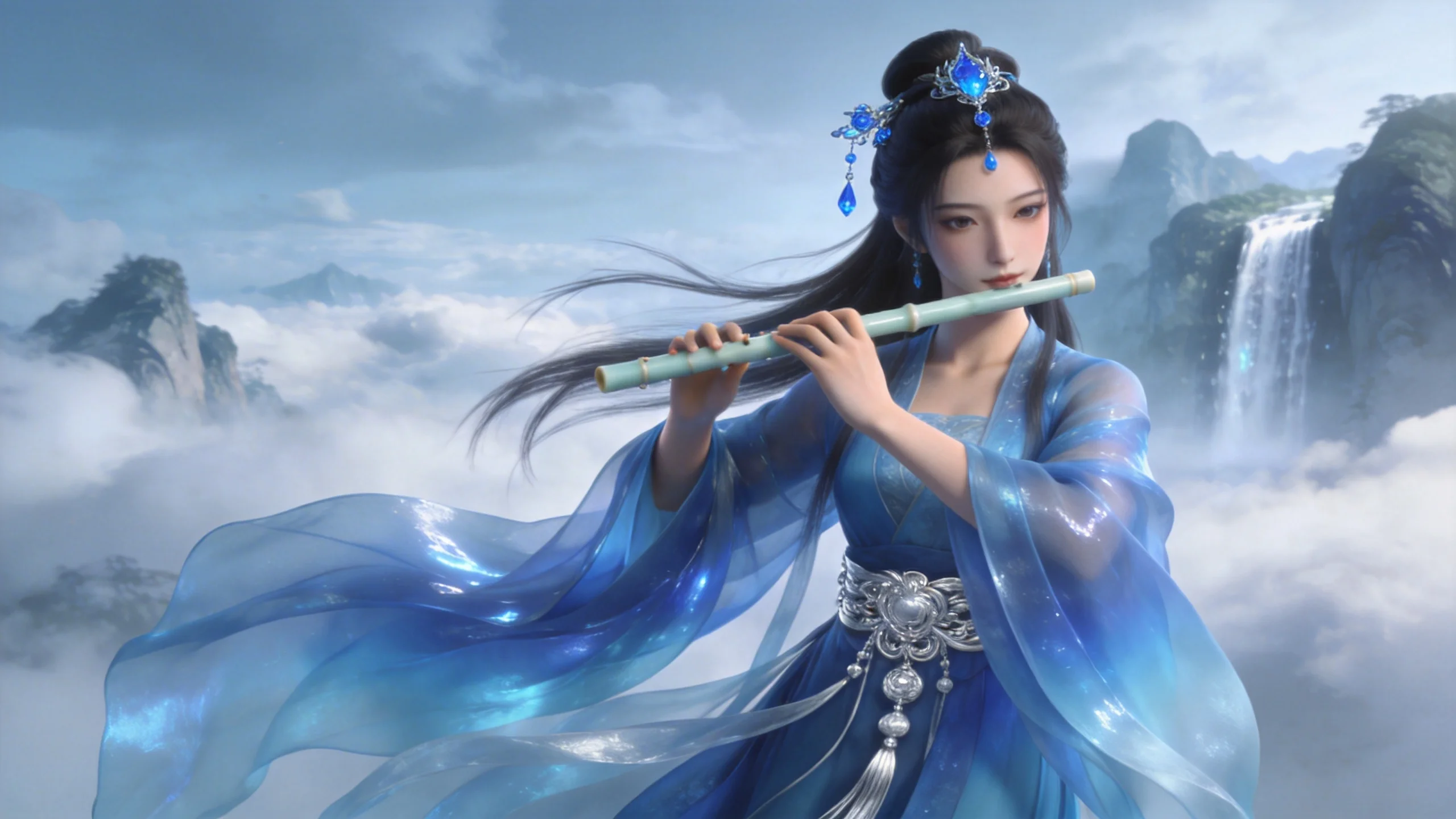
480p for drafts. 1080p for delivery.
Choose 480p for quick tests, 720p for everyday publishing, or 1080p when final quality matters. Higher resolution uses more credits, but gives cleaner output for polished creative work.
Use the right quality for each pass.
Why creators use Seedance 1.5 Pro
Text and image input, native audio, and flexible quality controls for polished short-form video creation.
Flexible Creation
Create from a prompt, a reference image, or a combination of both for more controlled results.
4s / 8s / 12s Duration
Choose short drafts or longer finished clips without changing models.
480p, 720p, and 1080p
Use lower resolution for iteration and 1080p for polished exports.
Native Audio Option
Generate sound effects, ambience, or spoken audio in the same video task when needed.
Low Credit Cost
Seedance 1.5 Pro uses fewer credits per generation than premium models — stretch your budget further.
Paid Model Access
Available to paid users, while free users can still test video generation with Grok Imagine.
How to use Seedance 1.5 Pro
Choose the model. Set quality, duration, and audio. Get your video.
Write a prompt or upload an image
Describe the scene you want, then optionally add a reference image for image-to-video generation.
Choose resolution, duration, and audio
Select 480p, 720p, or 1080p. Pick 4s, 8s, or 12s. Enable audio only when the clip needs sound.
Download or iterate
Preview the video. Download if it's right. Adjust your prompt and regenerate if you want something different.
Seedance 1.5 Pro — Frequently Asked Questions
Explore More AI Tools
Discover other models on Seedance Studio
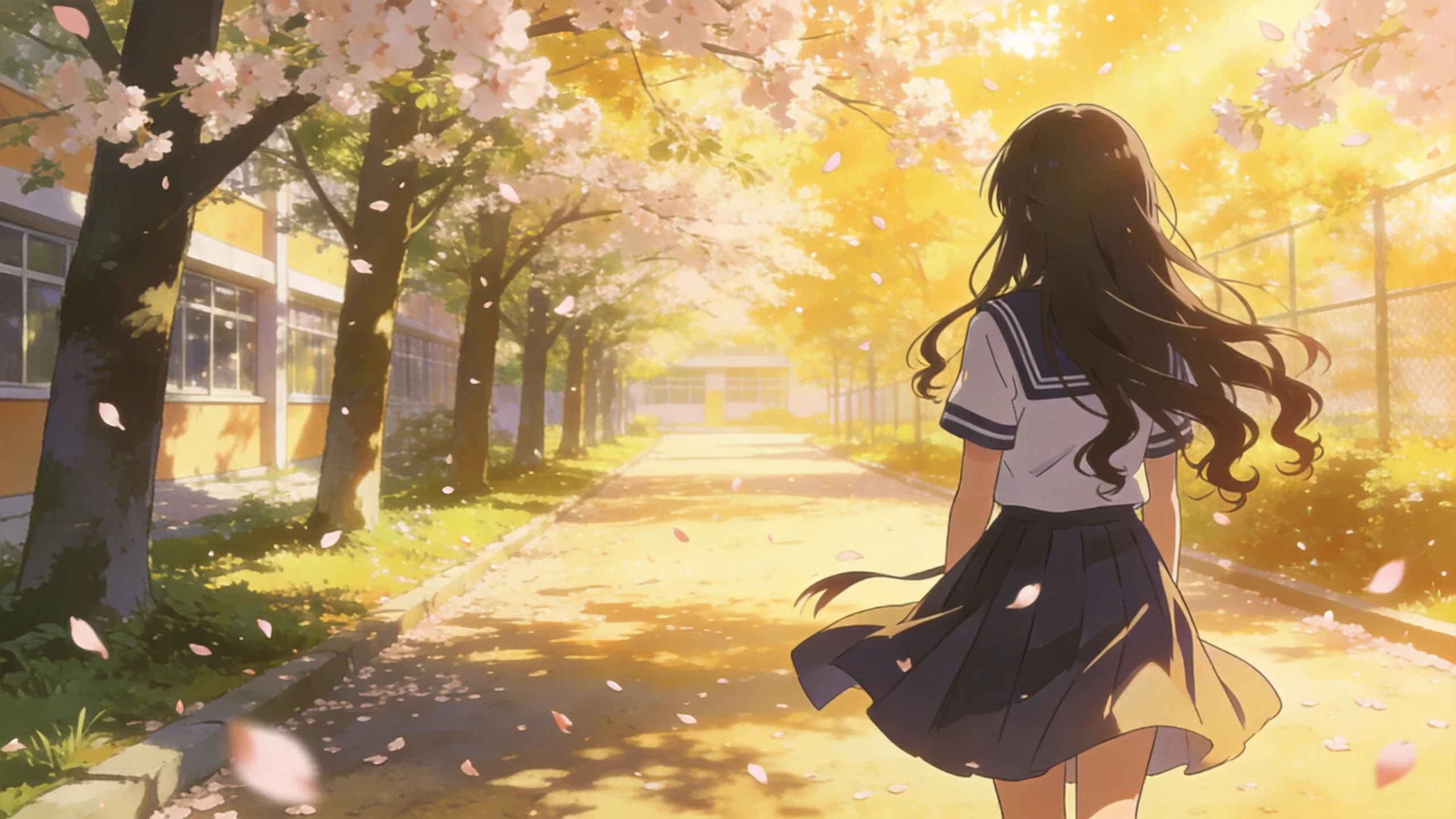
Try Seedance 1.5 Pro Now
Text-to-video and image-to-video, 4s/8s/12s, 480p/720p/1080p, with optional native audio for paid users.
Create with Seedance 1.5 Pro