GPT Image 2 — AI Image Generator by OpenAI
Generate stunning images with OpenAI's GPT Image 2. Describe what you want in plain language or upload a reference photo. Choose from 8 aspect ratios, scale up to 4K, and switch between text-to-image and image-to-image modes. No design skills required.
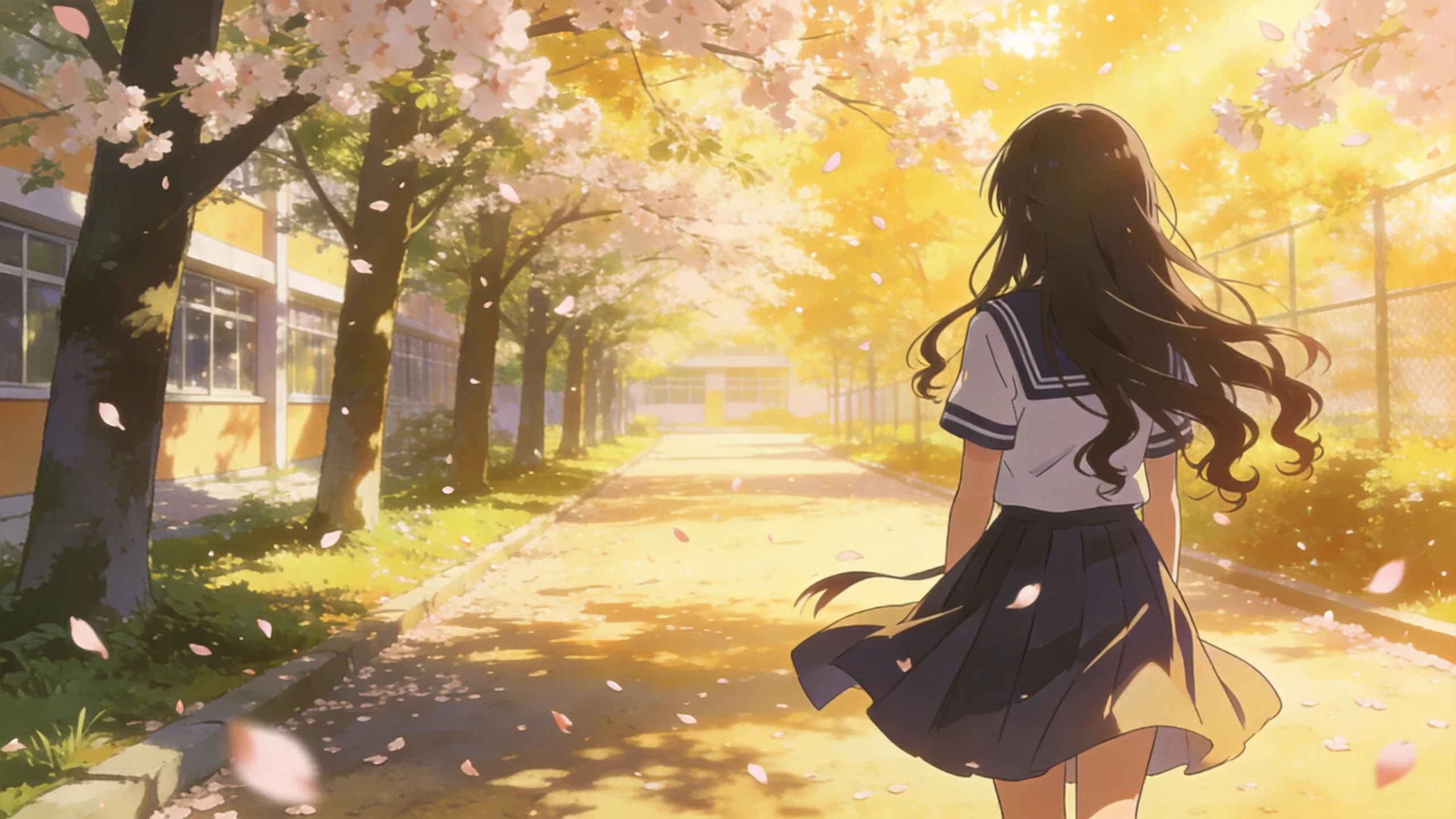
Describe it in words. Get the image.
Write a prompt describing what you want — subject, style, lighting, composition, mood. GPT Image 2 generates a high-quality result that matches your description. No artistic skill required. The model handles the visual language.
Plain text in. Professional image out.
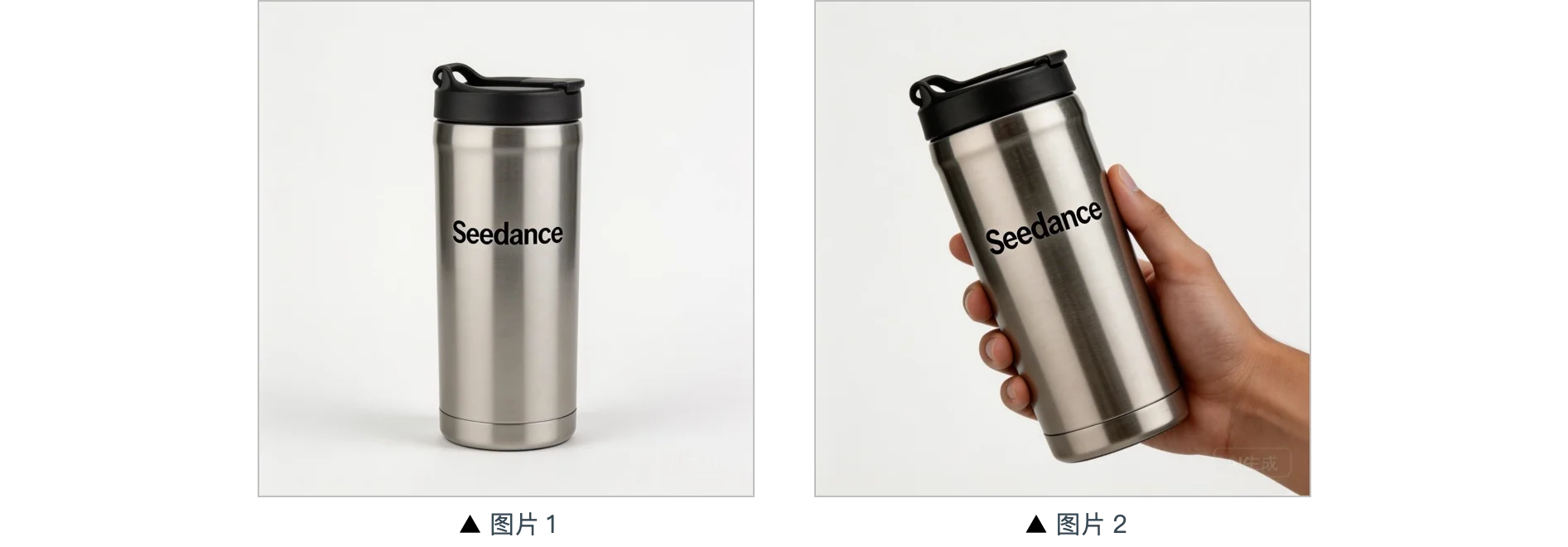
Transform any image with AI.
Upload an existing photo and describe how you want it changed. Add new elements, alter the style, replace backgrounds, or apply creative effects — all while preserving the original composition. Image-to-image is ideal for product photography, creative retouching, and concept exploration.
Keep what you have. Change what you don't.
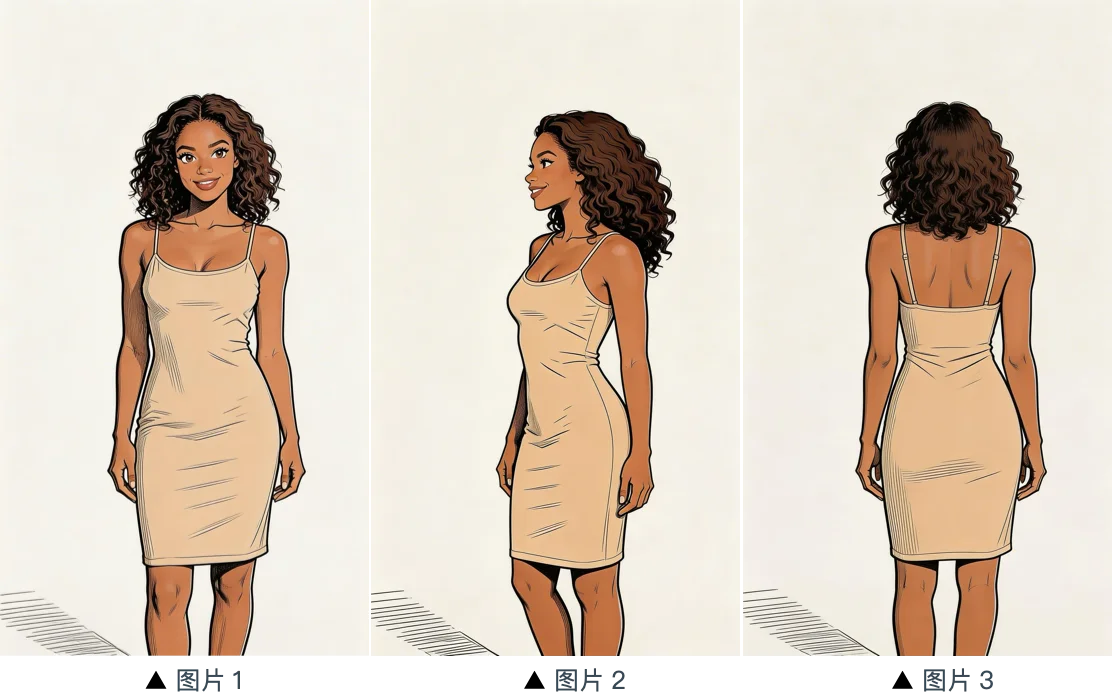
1K, 2K, or 4K. You choose the resolution.
Generate at 1K for fast results during iteration, 2K for standard publishing, or 4K for print-ready, ultra-detailed output. All three modes use the same model — just different output sizes. 4K images can be printed at large format without losing detail.
Fast for drafts. 4K for finals.
Why creators use GPT Image 2
Text-to-image, image-to-image, up to 4K, 8 aspect ratios. Here's what you can do with it.
Text-to-Image
Describe what you want in plain language. Get a high-quality image in seconds — no design tools needed.
Image-to-Image
Upload a reference image and transform it with new styles, elements, or modifications while keeping the core composition.
Up to 4K Resolution
Choose 1K for fast previews, 2K for standard use, or 4K for print-ready ultra-high-resolution output.
8 Aspect Ratios
Auto, 1:1, 16:9, 9:16, 4:3, 3:4, 3:2, 2:3. Generate images in any format for any platform or use case.
Style Flexibility
Realistic photography, illustration, concept art, product shots, portraits — describe the style in your prompt and the model adapts.
Free Credits to Start
Sign up and test with real prompts before spending. No credit card required. Credits don't expire.
How to use GPT Image 2
Write a prompt or upload an image. Get a high-quality result in seconds.
Write a prompt or upload a reference image
Describe the image you want, or upload a photo to use as a starting point for image-to-image transformation.
Choose resolution and aspect ratio
Select 1K, 2K, or 4K. Choose from 8 aspect ratios to match your output format. Click Generate.
Download or refine
Preview the result. Download if it's right. Adjust your prompt or reference image and regenerate to iterate.
GPT Image 2 — Frequently Asked Questions
Explore More AI Tools
Discover other models on Seedance Studio
Generate Your First Image Now
Text-to-image, image-to-image, up to 4K. Sign up and get free credits — no credit card needed.
Start Generating Free