Kling 3.0 Standard — HD Image-to-Video Generator
Kling 3.0 brings native audio sync, 720p HD quality, and precise first/last frame control — all without a Kuaishou account. Upload an image, describe the motion, and get a cinematic clip in seconds. No credits expire. Failed generations don't cost you.
Audio syncs with video. Not added in post.
Kling 3.0 generates dialogue, sound effects, ambient audio, and background music alongside every video frame. Lip movements match spoken words. Footsteps match walking. Toggle audio per generation to control your credits.
One model for both sound and visuals. No audio editing. No timeline sync.
720p HD quality. Built for real output.
Kling 3.0 Standard renders at 720p with high frame coherence and consistent motion. Fine details stay sharp across the full clip. Choose 5s for quick iterations, or 10s for complete scenes.
Fast enough for drafts. Sharp enough for finals.
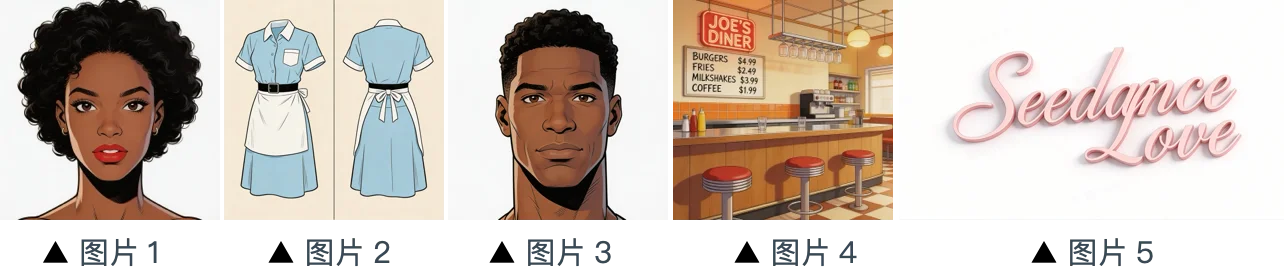
Upload start and end frames. Get the motion between them.
Upload two images — a starting state and an ending state. Kling 3.0 generates realistic physical movement between them. Not a crossfade. Real motion. Use it for product reveals, before/after comparisons, and logo transitions.
First/last frame animation. Upload two images, get the video that fills the gap.
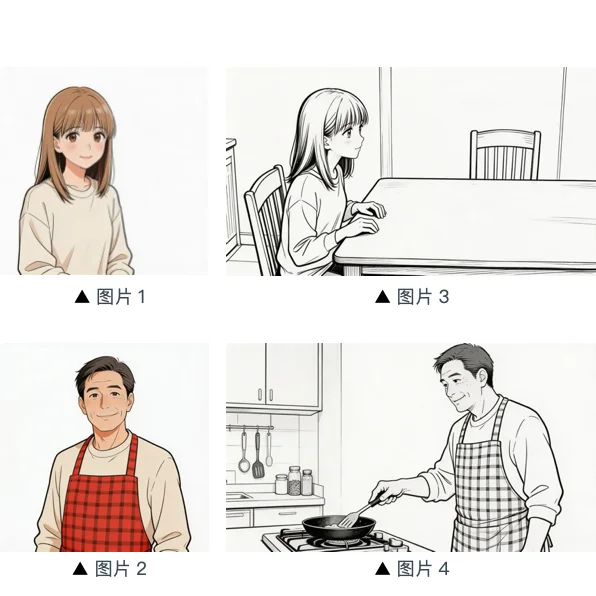
No Kuaishou account. Credits don't expire. No lost credits.
Kuaishou's own platform expires your credits, charges for failed generations, and has slow support. The Kling 3.0 generator here solves all of that. Credits don't expire. Failed generations don't cost you. No platform headaches.
Same model. None of the platform friction. Credits that actually last.
Why creators choose Kling 3.0
Kling 3.0 is Kuaishou's most capable video model. Native audio, HD quality, first/last frame control, and negative prompts — here's what you get.
Native Audio Generation
Dialogue with lip sync, sound effects, ambient audio, and background music — all created with the video in a single generation.
HD Quality Output
720p rendering with high detail and consistency. Standard is fast enough for iteration, sharp enough for delivery.
First/Last Frame Animation
Upload start and end images. Kling 3.0 creates realistic motion between them — perfect for product reveals and transitions.
Negative Prompts
Tell the model what to avoid. Blurry edges, unwanted objects, specific styles. More control over every generation.
Three Aspect Ratios
16:9 for YouTube. 9:16 for TikTok and Reels. 1:1 for Instagram. Set the format before generating.
Sign Up and Get Free Credits
Test with your own prompts before spending anything. No credit card. No commitment. Just generate.
How to use Kling 3.0
Write a prompt or upload an image. Get a video with audio.
Write a prompt or upload an image
Describe the scene you want. Or upload a starting image — add an ending image for first/last frame animation. Text and image input both work.
Set quality, duration, and format
Choose Standard quality. Select 5 or 10 seconds. Pick 16:9, 9:16, or 1:1. Turn audio on. Click Generate.
Download or iterate
Preview the clip with audio. Download if it looks good. Adjust the prompt, add negative prompts, or regenerate if needed.
Kling 3.0 — Frequently Asked Questions
Explore More AI Tools
Discover other models on Seedance Studio
Try Kling 3.0 Now
Kuaishou's best video model. Native audio, 720p HD, first/last frame, negative prompts. No Kuaishou account. Sign up and get free credits.
Generate Your First Video Free